How to Make AI Talking Head Videos (Step-by-Step Guide)
A complete, practical walkthrough for turning a script and a selfie into a polished talking head video — no camera, studio or crew required.
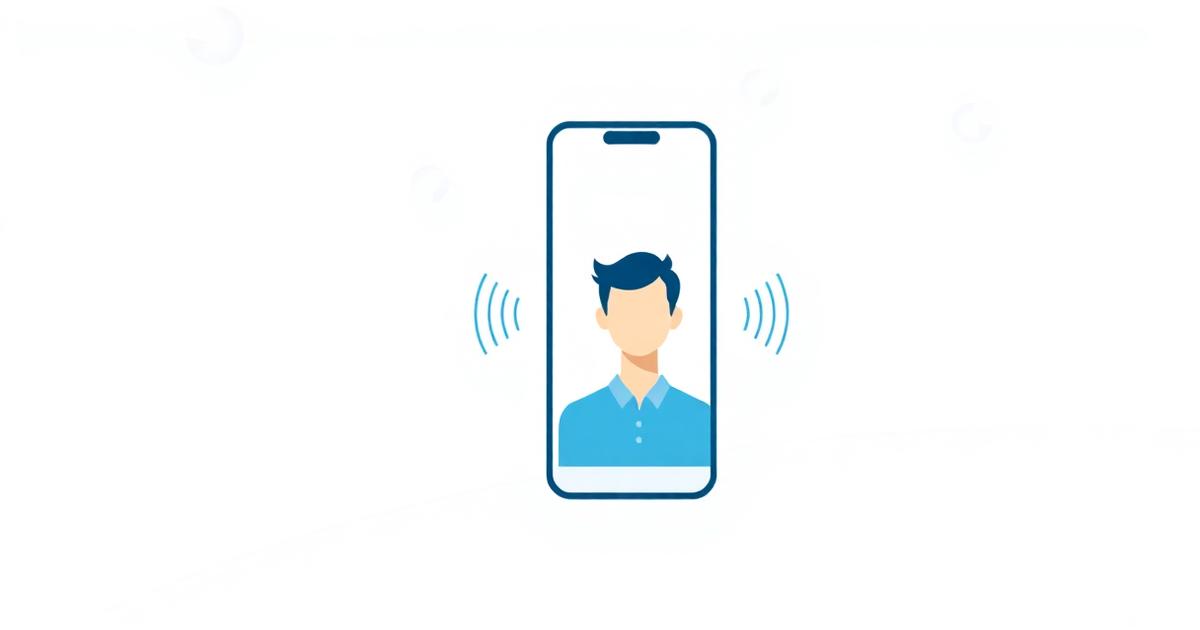
Talking head video — a person speaking straight to camera — is still the highest-converting format on social media, in ads and in course content. It is also the format most people avoid, because it means setting up lights, finding a quiet room, fixing your hair and re-recording the same line eleven times.
AI talking head video removes that friction. You create a digital version of yourself once, then generate new videos from text whenever you need them.
What an AI talking head video actually is
An AI talking head video has three ingredients:
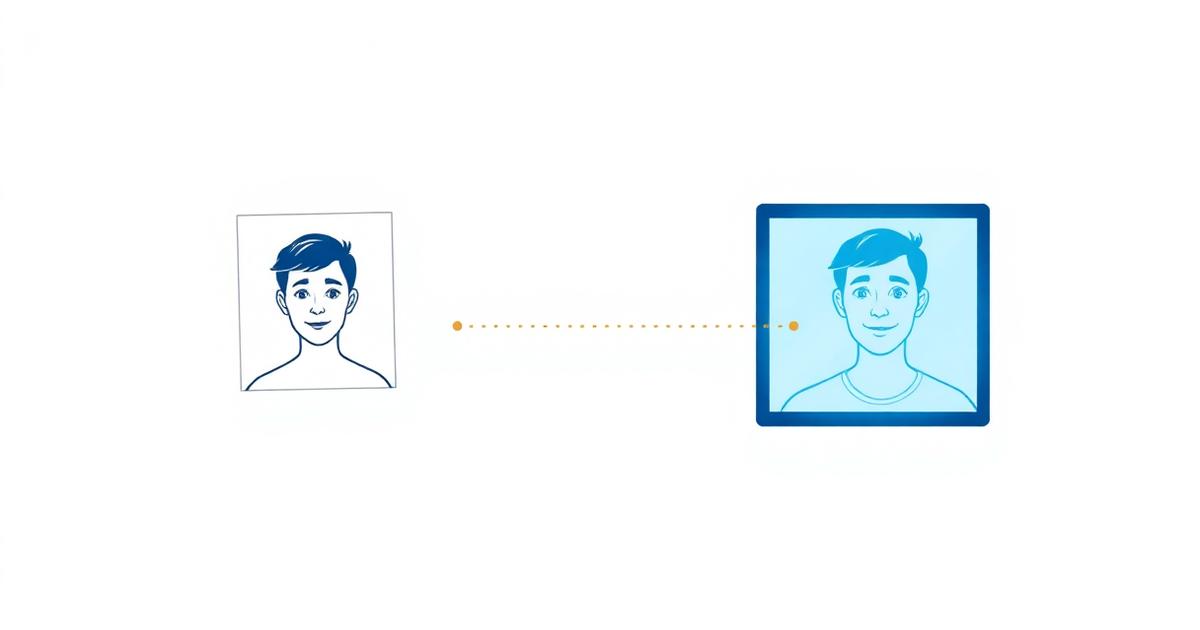
- A visual of a person — either a generated avatar built from your photos, or a still image animated to speak.
- An audio track — synthetic speech, usually from a cloned copy of your own voice.
- A lipsync model — the part that moves the mouth, jaw and micro-expressions so the face matches the audio.
When those three pieces are trained on you, the result looks like footage you filmed. When they are stock assets, it looks like a stock presenter. That difference is the whole game.
Step 1: Write a script that sounds spoken
Most weak AI videos fail at the script, not the render. Write the way you talk:
- Open with the payoff in the first sentence. Social viewers decide in under two seconds.
- Use short sentences. Long clauses expose the flatness in synthetic speech.
- Read it out loud and cut anything you stumble over.
- Aim for roughly 140 words per minute — about 35 words for a 15-second hook.
A simple structure that works
- Hook — the claim or problem (1 sentence).
- Proof — why it is true (2–3 sentences).
- Payoff — what to do next (1 sentence).
Step 2: Create your clone
Your clone is the reusable asset. In Lyler you upload a handful of clear selfies — good light, face unobstructed, a few angles — and the system builds a character sheet plus a chest-up talking-head avatar you can reuse forever.
Photo tips that visibly improve output:
- Shoot facing a window; avoid harsh overhead light.
- No sunglasses, no heavy shadows across the face.
- Include at least one neutral expression and one smiling.
- Use recent photos so the clone matches how you look now.
Step 3: Clone your voice
Record 30–60 seconds of clean audio in a quiet room. Speak naturally, at your normal pace, with a bit of range — not a monotone read. Voice cloning captures timbre and cadence, so a flat sample produces a flat clone.
If you publish in more than one language, a single voice clone can narrate all of them, which keeps your channel sounding consistent across markets.
Step 4: Generate the video
With a script, a clone and a voice, generation is the easy part: pick the aspect ratio for the platform, pick the scene, and render.
| Platform | Aspect ratio | Ideal length |
|---|---|---|
| Reels / TikTok / Shorts | 9:16 | 15–45 seconds |
| YouTube | 16:9 | 2–10 minutes |
| Paid social ads | 9:16 or 1:1 | 15–30 seconds |
| 1:1 or 9:16 | 30–90 seconds |
Step 5: Edit for retention, not for polish
The render is the raw footage. Retention comes from what you do next:
- Put captions on. Most feed viewing is muted.
- Cut the first half-second of silence.
- Add a B-roll cutaway every 5–8 seconds on short-form.
- End on one clear instruction.
Common mistakes to avoid
Scripts written for the page. If it reads like a blog post, it sounds like one.
Low-quality source photos. Every flaw in the input shows up in every video you ever generate from that clone. Spend ten extra minutes here.
One video, one clone. The economics only work when you batch. Write ten scripts, generate ten videos in one session, schedule them across two weeks.
Ignoring the hook. No lipsync model can rescue a boring first line.
How long it takes
Realistically: 20 minutes to set up your clone and voice the first time, then 3–5 minutes per finished video after that. A week of daily content becomes a single afternoon.
Where AI talking head video works best
- Short-form social content and daily posting
- Product explainers and onboarding
- Ad creative variations for testing
- Course lessons and internal training
- Multilingual versions of a video you already made
It works less well where spontaneity is the point — live reactions, unscripted interviews, physical demonstrations. Use real footage there and AI for everything repeatable.
Frequently asked questions
About Matt Hansen
Matt Hansen writes about AI video creation at Lyler, where creators turn a single selfie into talking-head videos.